
Access Control Basics for Operational Communication
Access control for operational communication starts with clear roles, channel boundaries, device planning, and regular review.
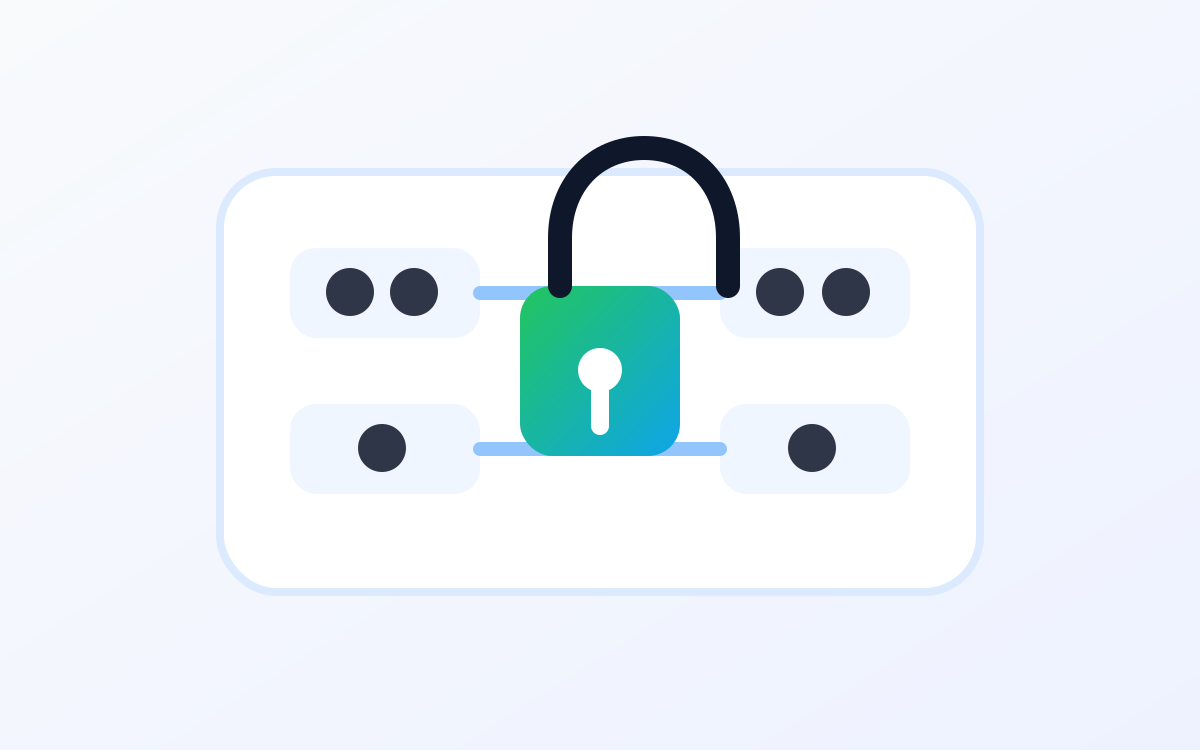
Operational communication is most useful when the right people can reach the right channels at the right time. If access is too narrow, people miss context they need. If it is too broad, channels become noisy and sensitive operational details can travel farther than intended.
Access control is the discipline that keeps this balance practical. It does not need to be complicated, but it does need to be intentional. For field teams, that means thinking about people, roles, devices, teams, branches, and channels together.
Begin with roles, not individual exceptions
Access decisions are easier to manage when they start with roles. Operators, supervisors, dispatchers, administrators, and branch leaders usually need different levels of communication access. A role-based plan gives the organization a repeatable way to explain why someone has access to a channel or workflow.
Individual exceptions may still happen, but they should not become the plan. Too many exceptions make access hard to review and harder to support.
Match channel access to responsibility
A channel should have a reason to exist and a clear audience. If a person is responsible for the work happening in that channel, access often makes sense. If they only need occasional updates, a summary process or supervisor channel may be better than giving them every live exchange.
This keeps communication useful for the people doing the work and reduces the chance that teams tune out because too many unrelated messages are reaching them.
Include devices in the access plan
Device patterns affect access control. Some teams use personal devices. Some use shared devices across shifts. Some roles need temporary access during an event, project, or service window. These patterns should be documented before rollout so administrators know how to handle onboarding, offboarding, and replacement devices.
A device-aware plan also helps support teams answer practical questions: who should be signed in, which channels should be available, and what happens when a device changes hands?
Review access after real use
Access plans should be reviewed after the first phase of use. Real operations often reveal that one role needs visibility across an extra channel, or that a temporary channel should be closed after an event. Regular review keeps the system aligned with current work instead of old assumptions.
- List roles before assigning individual users.
- Document why each role needs each channel.
- Plan onboarding and offboarding for shared and assigned devices.
- Review access after pilots, branch changes, and major workflow updates.
Keep public discussions high level
When discussing access control publicly or during early vendor conversations, keep the focus on business needs. You can explain roles, devices, channels, and workflow boundaries without sharing internal permission names, private security details, or customer-specific data.
PTTHex supports this kind of planning by connecting channel structure, team setup, roles, and device workflows in one operational conversation. That makes access easier to explain and easier to adjust as the rollout grows.
Visit PTTHex Security for trust and access-control themes, or explore the PTTHex Platform to see how communication structure fits with teams and devices.